
B2B vs B2C Power Pages Portal Comparison: Key Rules
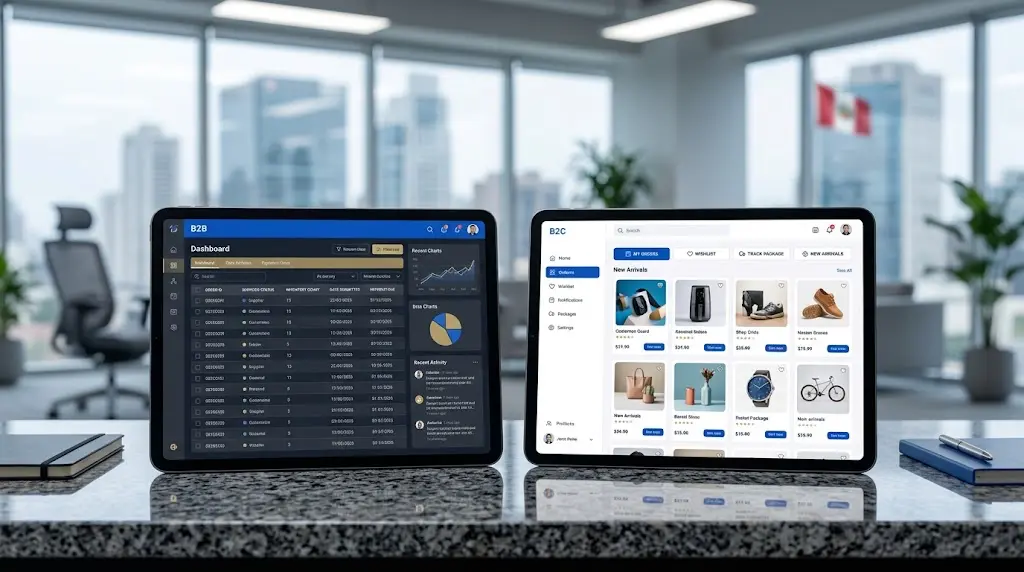
What is the core difference in a B2B vs B2C Power Pages portal comparison?
The primary difference lies in how user identities, data visibility scope, and business relationships are structured in Dataverse.
In a B2B portal scenario, users represent corporate entities, suppliers, or distributors. Access controls must reflect multi-layered organizational structures, where account managers need visibility over their company’s sub-accounts, orders, and support tickets. Engaging specialized consultancy firms helps streamline this complex mapping during initial portal setup.
In contrast, B2C portals treat every user as an isolated individual account with strict data segregation rules. Delivering **tailored experiences based on user classification** forms the foundation of modern web portal design.
How do authentication and access controls differ between B2B and B2C portals?
Identity management and access enforcement follow distinct implementation patterns depending on the audience profile.
- B2B Authentication: Utilizes Azure AD B2C with corporate federation, SAML 2.0, or WS-Federation to support Single Sign-On (SSO) via enterprise identity providers.
- B2C Authentication: Employs Azure AD B2C configured for social logins (Google, Microsoft, Facebook) and self-service registration flows.
- Permission Depth: B2B portals leverage Web Roles mapped to parent-child Account relationships, whereas B2C portals apply Contact-level Web Roles.
Configuring proper identity providers **prevents identity fragmentation and reduces support overhead**. B2B users benefit from enterprise credentials, while B2C consumers enjoy quick self-registration.
What integration requirements distinguish partner portals from consumer portals?
Data transaction patterns and integration points vary significantly based on portal intent.
Backend transactional demands
B2B vendor and supplier portals frequently require real-time bi-directional integration with ERP systems like Dynamics 365 Finance & Operations or SAP for inventory and credit line checks. A major challenge in B2C implementations is managing high concurrency bursts during marketing campaigns without throttling Dataverse API limits.
Implementing **efficient caching strategies and asynchronous Web API operations** is vital for consumer-facing portals experiencing high traffic volumes.
How can businesses choose the right portal architecture for their target audience?
Aligning portal architecture with business models requires evaluating user volume, data security risks, and workflow complexity.
- Map the complete user journey from initial registration to regular account management.
- Define strict security boundaries around sensitive Dataverse tables and custom Web API endpoints.
- Select authentication providers that balance security compliance with minimal friction for end users.
A well-planned portal architecture reduces operational risk. When organizations align technical configurations with audience expectations, Power Pages delivers a secure and scalable digital touchpoint.